The get-started guidance describes a path: an assistant, then a Bot with a job, then a team of Bots that work together toward a bigger goal. Create another Bot with New Bot (the + button) or Cmd/Ctrl+N. Name it and choose Create. Give each Bot one job in its first message and ask it to remember how you want the work done.
A Bot can send an asynchronous message to another Bot. The receiving Bot wakes, handles the request, and can reply later. You can also use a group chat (next lesson) when several Bots need one shared outcome. Every Bot reply counts toward your usage, including messages between Bots, so a smaller team is usually clearer — and cheaper on usage — than a crowd.
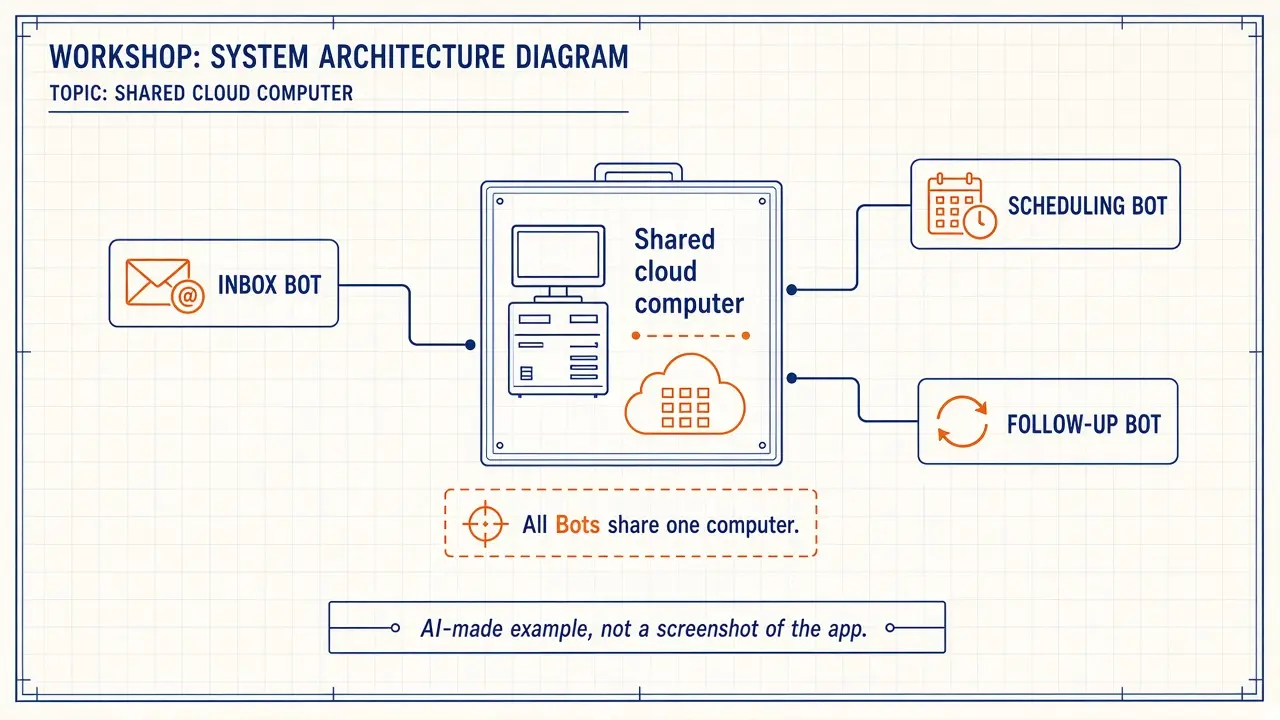
All of your Bots share one cloud computer, including files in /workspace. Plan names and folders so specialists do not overwrite each other’s work.
Example: Harbor Street Hardware in Portland, Oregon, with a Chief of Staff, an Inbox Bot, and a Reviews Bot.
Bot Agents 24 is an independent guide. It is not affiliated with, endorsed by or sponsored by xAI. Grok Bot is a product of xAI. Labels in the app can change; if a name you see here does not match your screen, follow the wording in your app.
Step 1: Write down the jobs before you create extra Bots
List one owner per stage. Example: Chief of Staff routes and drafts a daily brief; Inbox Bot sorts vendor and customer mail into drafts; Reviews Bot drafts public replies and never posts. Anything that sends or posts waits for you.
Step 2: Create each specialist Bot and give it one job
Choose New Bot, name it clearly (for example Harbor Inbox), and send a first message that states the job, sources, and approval line.
Paste this into: Grok Bot chat, message box.
You are the Inbox Bot for Harbor Street Hardware in Portland, Oregon. Your only job is to sort incoming email I share with you into urgent, needs a reply, and FYI, and to draft replies for my approval. Do not send email, do not order stock, and do not post reviews. If work belongs to the Reviews Bot or to me, write a short handoff and stop. Please remember this job.
Step 3: Tell the Chief of Staff how to hand work off
Open your coordinator Bot and describe the team. The guidance says: ask for a single owner at each stage. Parallel handoffs create duplicate work.
Paste this into: Grok Bot chat, message box.
You are the Chief of Staff for Harbor Street Hardware. Specialist Bots: Harbor Inbox (email drafts only) and Harbor Reviews (review drafts only, never post). When I ask for a morning brief, collect what you can, and hand specialist work to the matching Bot rather than doing their job yourself. Do not send, post, or order anything. Report back to me with drafts and who owns the next step. Remember these routing rules.
What to watch for
On a Cursor team, + can also let you browse shared Bots a teammate shared. Sharing your own Bot is covered in lesson 3.3. Keep secrets in Vault, not in a handoff message.
Quick quiz
Saved in this browser only; no account needed.
FAQ
Is “Chief of Staff” a Bot type I must buy?
No. On this site it is a role you write. The docs talk about a team of Bots with a bigger goal, not a required paid job title we have verified.
How many Bots should I start with?
Start with two or three. The docs note that fewer Bots in a group means fewer replies, and every reply uses usage.
Is this an xAI website?
No. Bot Agents 24 is an independent guide. It is not affiliated with, endorsed by or sponsored by xAI.