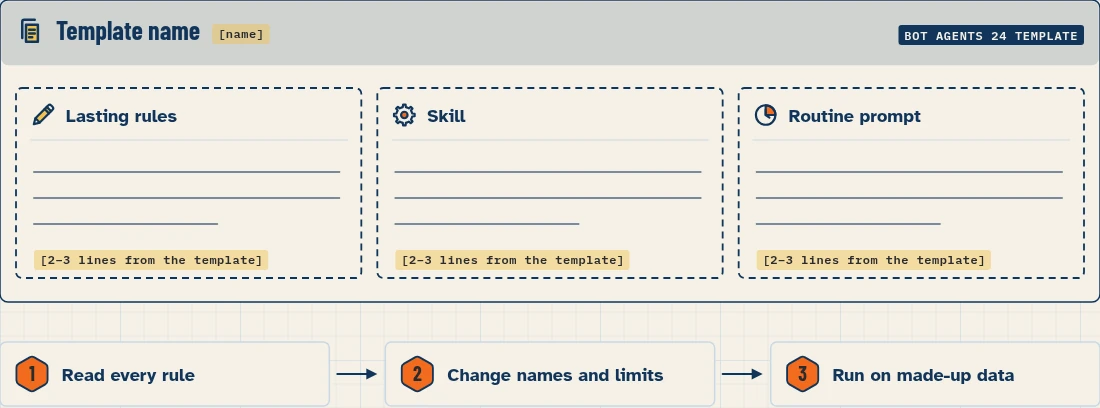
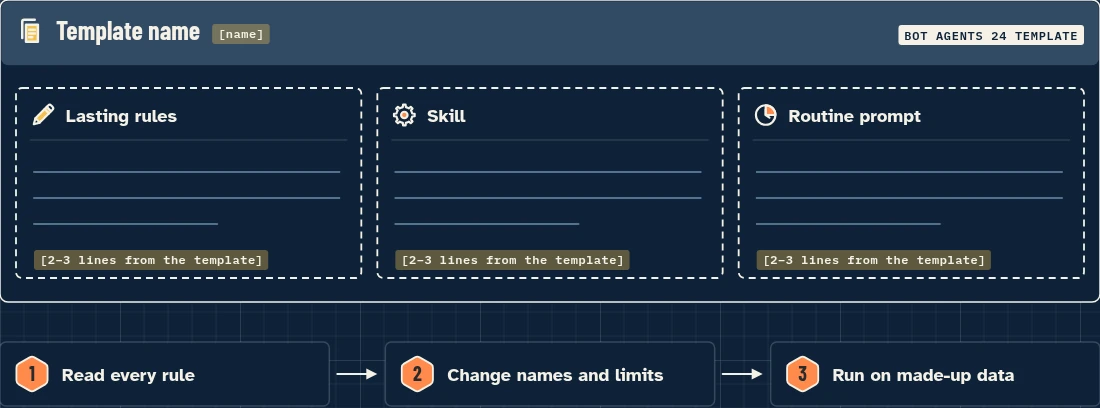
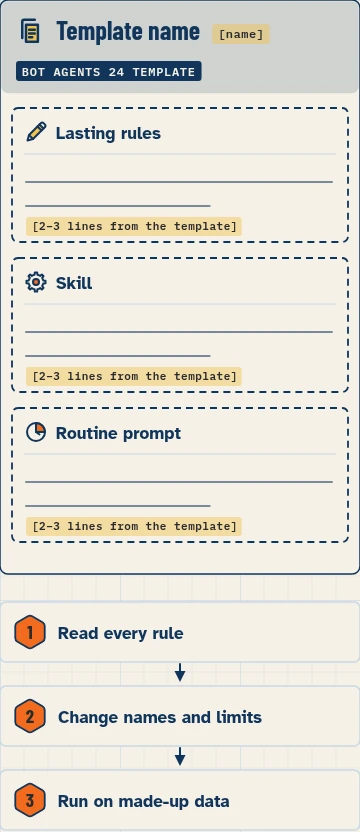
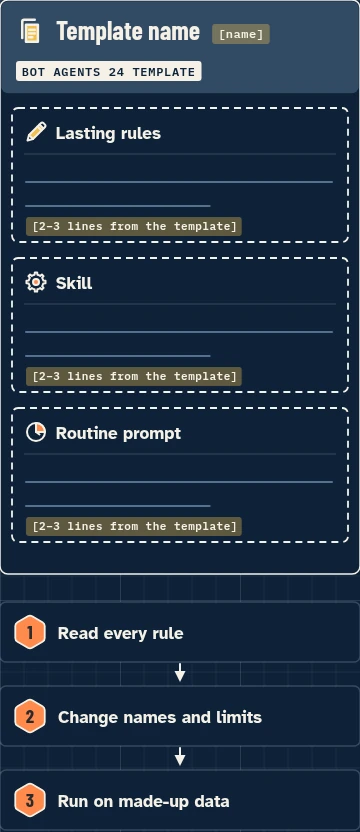
Start from a template instead of a blank chat. Each template gives you the lasting rules, skills and routine prompts for one build, ready to paste or install. Review every rule before you use it, and change names, sources and limits to fit your business.
Free prompts: Every prompt on this site is free to copy and paste into Grok Bot. Browse the Free Grok Bot prompts library.
Start here
Pick the build you want to copy, then download its template from the build page. For your first one, try the rules from set up your first Bot. Lesson 2.13 shows how to find, check, install and share templates.
The library
Filters: build · trade · type (lasting rules, skill, routine prompt).
(Per-build templates appear here as each build is published.)
Before you install any template
- Read every rule. A template you install runs with the access your apps give it.
- Check what apps and logins it expects. Apps are account-wide.
- Keep the first runs on made-up data.
Every page in this section
How to set up a trade starter kit
/templates/starter-kits/How to check your setup: printable checklists
/templates/checklists/
FAQ
Are these the same as the templates inside Grok Bot?
No. These are Bot Agents 24’s own templates for our builds. Grok Bot also has its own templates; lesson 2.13 covers how to find and check them.
Can I edit a template?
Yes. Change any rule, source or schedule before you use it.
Do templates cost anything?
Our templates are free. Running a Bot uses your plan’s usage.
Sources
- Computer and apps: https://docs.x.ai/grok-bot/computer-and-apps (checked Nov 4, 2026)
- Skills, routines and automations: https://docs.x.ai/grok-bot/skills-routines-and-automations (checked Nov 4, 2026)
- Templates for Grok Bot: https://x.ai/bot/guides/templates-for-grok-bot (not opened this session)