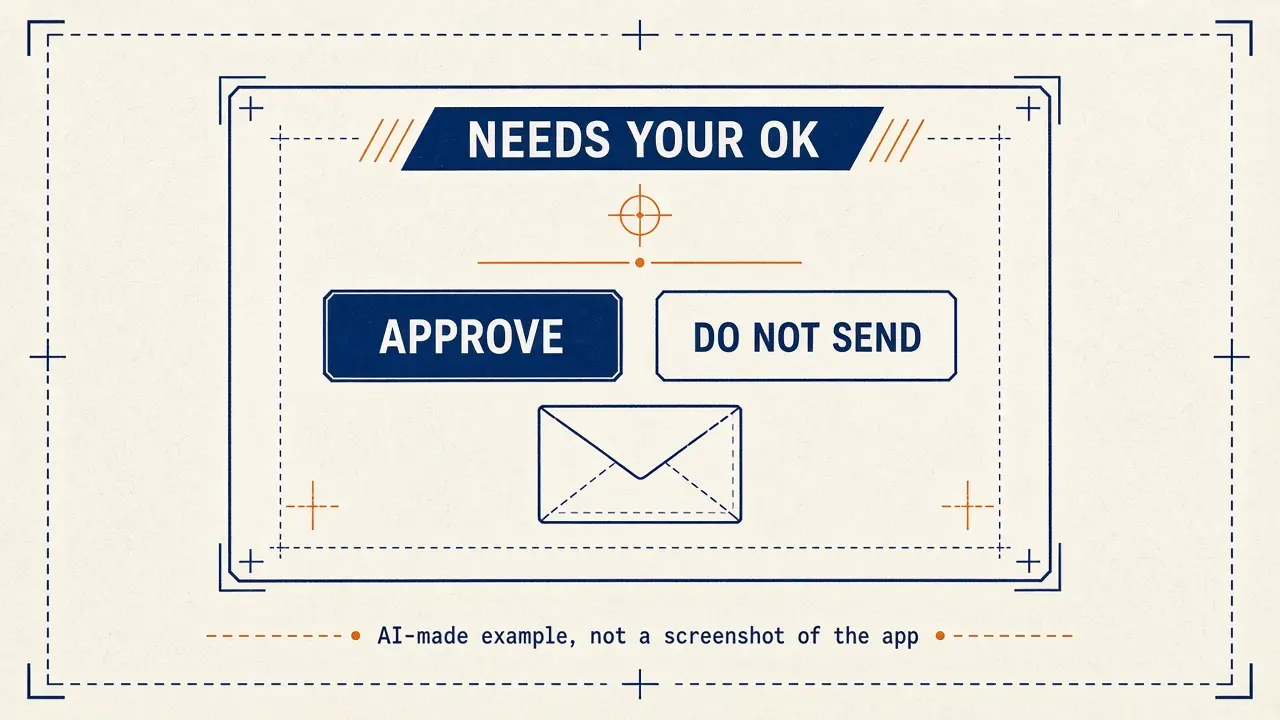
A Bot can draft, browse, and call tools. The safety default on this site, and the documented default for outgoing mail, is that work which leaves your account waits for you. The docs describe approval cards, Custom Rules under Settings → General → Bot, Vault, Secure Forms, and Auto Review settings. Ask first rules take precedence over Allow automatically rules, including team rules your admin requires.
Approvals from work that started without you (a routine, a trigger, or a message from another Bot) expire after about 30 minutes. The card then shows Expired, and the action does not run.
Example: Cedar & Main Dental in Ann Arbor, Michigan, handles patient messages and cannot allow a public Page or a rushed approval to leak private information.
Bot Agents 24 is an independent guide. It is not affiliated with, endorsed by or sponsored by xAI. Grok Bot is a product of xAI. Labels in the app can change; if a name you see here does not match your screen, follow the wording in your app.
Step 1: Write a hard stop into every important Bot
Say what the Bot may read, what it may draft, and what it must never send, post, pay, or change without you. Leave drafts on for customer mail.
Paste this into: Grok Bot chat, message box.
You are a Bot for Cedar & Main Dental in Ann Arbor, Michigan. Standing safety rules: never send email, never post, never pay, and never change live records unless I have approved that exact action. Never ask me to paste passwords, one-time codes, or card numbers into this chat. If work involves patient or customer private data, keep it out of any Page or document that could be shared with anyone who has the link. Repeat these rules back, then remember them.
Step 2: Use documented controls: approvals, Custom Rules, and Vault
Review approval cards carefully (recipient, amount, destination). If an action keeps requiring approval, check Custom Rules under Settings → General → Bot for a matching Ask first rule. Put logins in Vault or a connected password manager. For SSO or passkeys, take over the computer. On Mac and Windows you can turn on Use hardware security keys under Settings → General → Security Key. Do not disable drafts for a Bot that talks to customers unless you fully understand Auto Review.
Step 3: Tighten sharing, groups, and the shared computer
Share Bots and Pages with the smallest audience that works. Anyone-with-the-link Pages on pages.grok.bot open without sign-in. Approval requests do not appear in group chats, so do not use a group to rubber-stamp a send. All of your Bots share one cloud computer — treat files in /workspace as visible to your other Bots. If you use local execution (Execution on this computer), the docs say to keep local access disabled unless the task specifically requires it.
What to watch for
A Bot can make phone calls to US businesses from the desktop and phone apps, with terms you must accept, and only to US businesses and people who have consented. That is a high-trust action: review the who-it-will-call card every time, and choose Cancel if it is wrong.
If something already went out in error, stop the Bot (“Stop now”), change the relevant password or share setting, and follow your normal business incident process. Then contact support if you need account-side help.
Quick quiz
Saved in this browser only; no account needed.
FAQ
Is a public Page safe for patient or student records?
No. A link shared with anyone who has it can be opened without signing in. Keep private records off public Pages.
Can teammates pay with my Bot?
The collaboration docs say only a Bot’s owner can pay its orders.
Is this an xAI website?
No. Bot Agents 24 is an independent guide. It is not affiliated with, endorsed by or sponsored by xAI.