After you install Grok Bot, the next job is to sign in. The documentation says you choose Sign in on the welcome screen and finish in your browser. This lesson walks through that path and what to try if it stalls. Bot Agents 24 is an independent guide. It is not affiliated with, endorsed by or sponsored by xAI. Grok Bot is a product of xAI. Labels in the app can change; if a name you see here does not match your screen, follow the wording in your app.
Grok Bot uses your Cursor account, so there is no separate Grok Bot login. If your access comes from a seat on a self-serve Grok Business plan, the docs say to choose Sign in with Grok in the browser and use the Grok account that holds the seat. If your access comes from a SuperGrok or X Premium+ subscription, you add a Grok account link (the get-started page describes Link Grok Account on the desktop onboarding page and on iPhone and Android).
We do not invent plan prices or trial lengths here. Premium, Super, and Ultra on The X Subscription include Grok Bot; Plus does not, according to the docs. Paid Cursor plans and some linked Grok subscriptions can also include it. Check xAI pricing and lesson 1.2 for the current path that applies to you.
Example in this lesson: you run Cedar & Main Dental in Ann Arbor, Michigan, and you just installed the desktop app on the front-desk Mac.
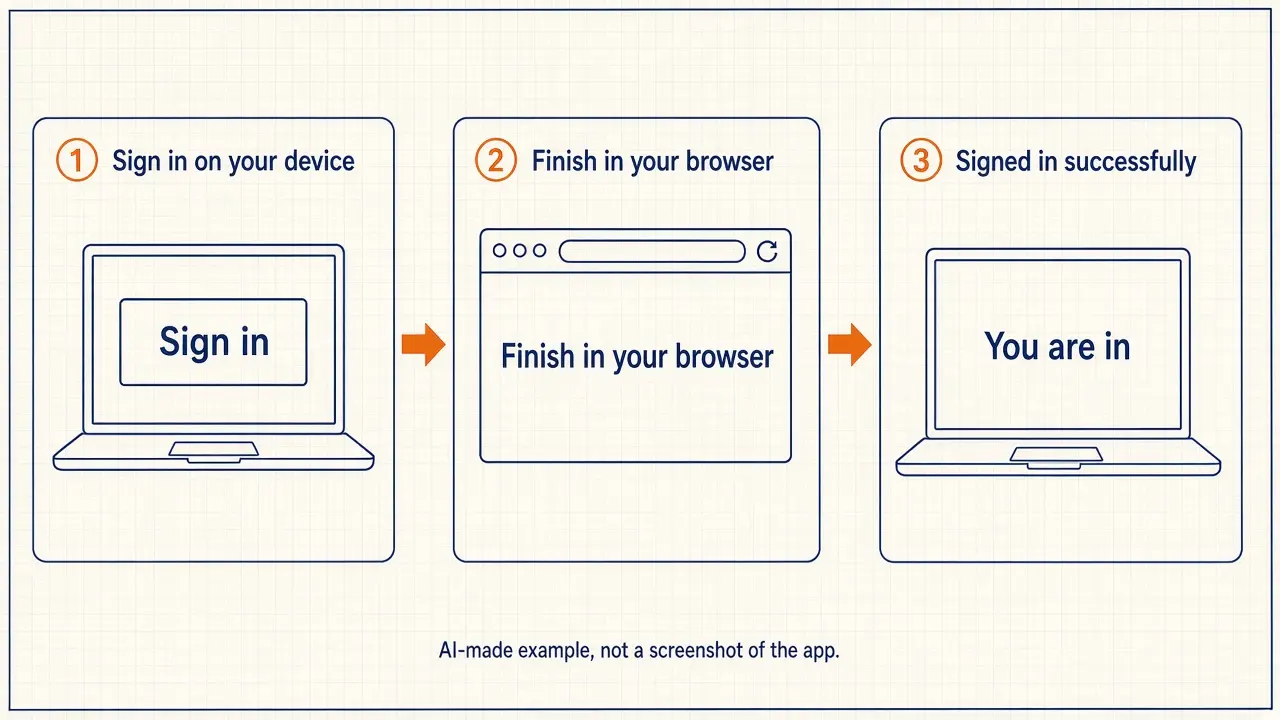
Step 1: Open Grok Bot and choose Sign in
Open the Grok Bot app you installed in lesson 1.3. On the welcome screen, choose Sign in. Keep the app open. The troubleshooting guide says to keep Grok Bot open while authentication runs in your browser.
If your company uses single sign-on, sign in the usual way. Your Cursor SSO setup applies. Do not switch to a personal account in the middle of a work sign-in.
Step 2: Finish in the browser, then return to the app
Complete the sign-in in your browser. Confirm the browser shows a successful Cursor sign-in (or Sign in with Grok, if that is the path the docs describe for your account). Return to the Grok Bot app manually if it does not come back into focus.
If your account is on Privacy Mode (Legacy), the app may ask you to switch to Privacy Mode first, because Grok Bot needs cloud data storage. On a team, a team admin changes the team’s privacy setting.
Step 3: If sign-in does not complete, try the documented recovery order
The troubleshooting guide for a sign-in that does not complete is: keep the app open, confirm the browser sign-in succeeded, return to the app, and choose Sign in on the welcome screen again. If you are already in the app, use Sign In with Cursor from Settings. Confirm that your account has Grok Bot access.
If you are stuck in a loop or see a persistent authentication error, the docs say to update the desktop app, sign out and back in, clear browser cache and cookies for cursor.com and x.ai, then try a private or incognito window. On desktop you can also try signing in at x.ai/bot with the same Cursor account. If the phone loops, sign in on desktop first. Some errors clear after 30 to 60 minutes. Reinstalling the app usually does not fix this. Some session and account-link failures cannot be fixed from your side; contact support with the exact error text.
Step 4: Send a first check-in so you know the chat works
After a short intro, the app sets up your first Bot, named Grok Bot, and opens a chat with it. Send a short message that asks only for a draft, not an outbound action. You will give this Bot a real job in later lessons.
Paste this into: Grok Bot chat, message box.
I'm the owner of Cedar & Main Dental in Ann Arbor, Michigan. Do not send any email, post, or messages. Reply with a short confirmation that you can hear me, and list the three things you will wait for me to approve before you ever send or change something in a live system.
What to watch for
If the error mentions Legacy Privacy Mode, the account is using a data mode that does not permit Grok Bot’s required storage. Update the Cursor account data setting, or ask your organization administrator.
The next lesson, How to find your way around the app, is for once you are signed in.
Quick quiz
Saved in this browser only; no account needed.
FAQ
Can I sign in with an X account only?
It depends on how your access is set up. The docs describe Cursor sign-in as the usual path, Sign in with Grok for a self-serve Grok Business seat, and a Grok account link for some SuperGrok or X Premium+ subscriptions. Follow the option your welcome or access screen offers.
The phone app keeps looping. What should I try first?
The troubleshooting guide says to sign in on desktop first if the phone loops, and to keep the app open while the browser finishes. See the troubleshooting page if it still fails.
Is this an xAI website?
No. Bot Agents 24 is an independent guide. It is not affiliated with, endorsed by or sponsored by xAI.