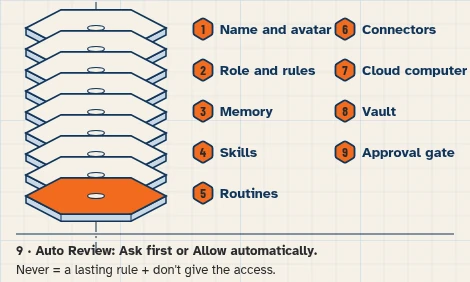
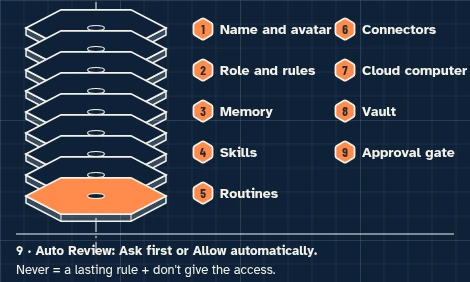
This walkthrough uses a fictional business and test accounts only. It sets up no live messages or routines.
This walkthrough prepares one Monday comparison from a rates sheet you enter. It does not scrape a website, invent a missing rate, or change a posted price.
At a glance
What you’ll have at the end
A fictional Pale Door Rate Watcher Bot, set up on a test account, that can:
- Read your inn’s posted rates and the comparison rates already on the sheet.
- Say, for each filled sample night, which comparison properties you are over or under.
- Leave blank cells alone, and keep every suggestion in this chat as a draft for staff.
Staff still review every figure and decide any price change. This walkthrough has not been run end to end. A Monday morning routine is optional later; this walkthrough creates none.
What you need
- A Grok Bot account. Access that includes Grok Bot may require a paid plan; check eligibility, cost and usage on the day you follow this guide.
- A separate test Google account, with no real guest, rate or staff information.
- Google Sheets, for a rates table you fill in yourself (connected in this walkthrough so the Bot can read it).
- This walkthrough does not use the Bot’s browser and does not scrape a booking site.
Difficulty: Intermediate
Meet the inn
Example data (fictional): Pale Door Inn, 12 Example Court, Santa Fe, New Mexico, is invented. Front desk lead Pearl prepares the Monday brief; owner Cal reviews every comparison and decides any rate change.
Tools: Google Sheets for the rates table. One task only:
- As of Monday, November 16, 2026, compare Pale Door Inn’s posted rates with the comparison rates already on the sheet for the sample nights in the next 30 days, and draft over-or-under notes. Do not invent a rate or a new price to charge.
The inn, comparison properties and amounts in this guide are invented. Amounts are demonstration figures the reader types onto the sheet. This walkthrough does not change a posted rate.
This inn example uses Mountain Time (America/Denver).
Before you start
Use free Google account options; no paid add-ons. Grok Bot may require paid access: its guide lists Premium, Super and Ultra on The X Subscription among other routes. [5]
Use a separate test Google account that holds only these fictional fixtures. Never connect a live rates sheet. Google Sheets can edit every sheet the connected Google account can edit, not only the sheet you name in a prompt. [1][6]
Do not invent or connect a booking-site or OTA app, and do not use the Bot’s browser to collect prices. Every comparison rate in this exercise is a figure you already entered. If a cell is blank, skip it; do not invent a number.
The brief may say where the inn is over or under the filled comparison rates. It must not propose a new nightly price. Pearl and Cal decide any change. The Bot must not edit the sheet in this exercise.
This demonstration uses two sample nights inside a 30-night window starting Monday, November 16, 2026, and ending Tuesday, December 15, 2026. Do not invent rates for dates that are not on the sheet.
Prepare the fictional sources
1. Enter the fictional rates sheet in Google Sheets
What to do in the app
In Google Sheets, make a spreadsheet named Pale Door — rates with a public-facts table (Fact and Approved answer) and a rates table (Property, Tuesday, November 17, 2026, Friday, November 20, 2026). Enter the fictional rows below. Do not add live property names or live rates, and leave DEMO-R5’s Friday cell blank.
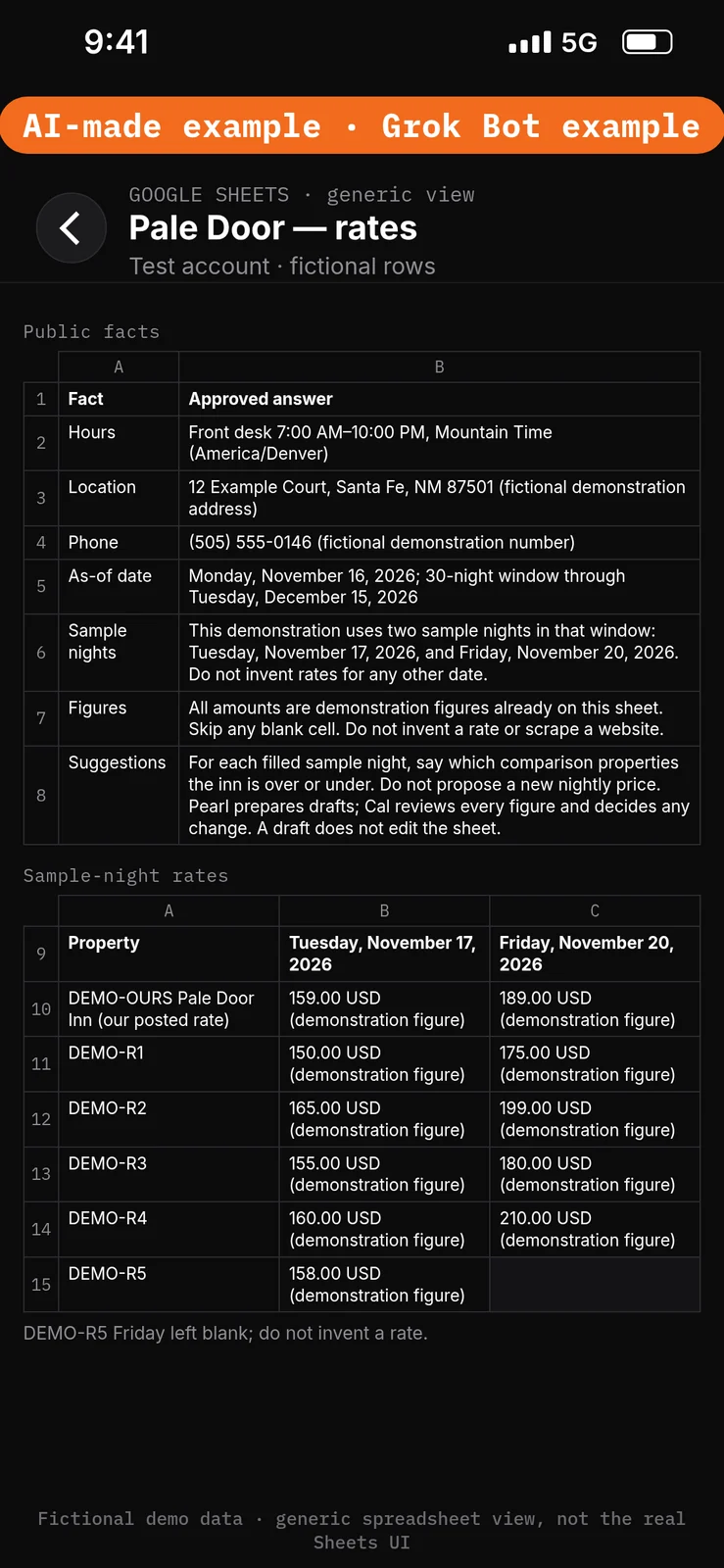
Paste this into Google Sheets → the Fact, Approved answer, Property and sample-night rate columns of Pale Door — rates.
Fact: Hours
Approved answer: Front desk 7:00 AM–10:00 PM, Mountain Time (America/Denver)

Fact: Location
Approved answer: 12 Example Court, Santa Fe, NM 87501 (fictional demonstration address)

Fact: Phone
Approved answer: (505) 555-0146 (fictional demonstration number)

Fact: As-of date
Approved answer: Monday, November 16, 2026; 30-night window through Tuesday, December 15, 2026

Fact: Sample nights
Approved answer: This demonstration uses two sample nights in that window: Tuesday, November 17, 2026, and Friday, November 20, 2026. Do not invent rates for any other date.

Fact: Figures
Approved answer: All amounts are demonstration figures already on this sheet. Skip any blank cell. Do not invent a rate or scrape a website.

Fact: Suggestions
Approved answer: For each filled sample night, say which comparison properties the inn is over or under. Do not propose a new nightly price. Pearl prepares drafts; Cal reviews every figure and decides any change. A draft does not edit the sheet.

Property: DEMO-OURS Pale Door Inn (our posted rate)
Tuesday, November 17, 2026: 159.00 USD (demonstration figure)
Friday, November 20, 2026: 189.00 USD (demonstration figure)

Property: DEMO-R1
Tuesday, November 17, 2026: 150.00 USD (demonstration figure)
Friday, November 20, 2026: 175.00 USD (demonstration figure)

Property: DEMO-R2
Tuesday, November 17, 2026: 165.00 USD (demonstration figure)
Friday, November 20, 2026: 199.00 USD (demonstration figure)

Property: DEMO-R3
Tuesday, November 17, 2026: 155.00 USD (demonstration figure)
Friday, November 20, 2026: 180.00 USD (demonstration figure)

Property: DEMO-R4
Tuesday, November 17, 2026: 160.00 USD (demonstration figure)
Friday, November 20, 2026: 210.00 USD (demonstration figure)

Property: DEMO-R5
Tuesday, November 17, 2026: 158.00 USD (demonstration figure)
Friday, November 20, 2026: (blank — leave empty; do not invent a rate)
Set the boundaries before using apps
2. Add Ask first rules
What to do in the app
- Open Settings → General.
- Under Bot, leave Auto-review on.
- Under Custom Rules, paste the line from the block below into When Grok Bot wants to:.
- Under It should:, choose Ask first.
- Press Add Rule.
Auto Review has only Allow automatically and Ask first. It’s model-based, not a lock. Keep drafts enabled and limit account access. Connected apps are available across your Bots. [1][2][3]
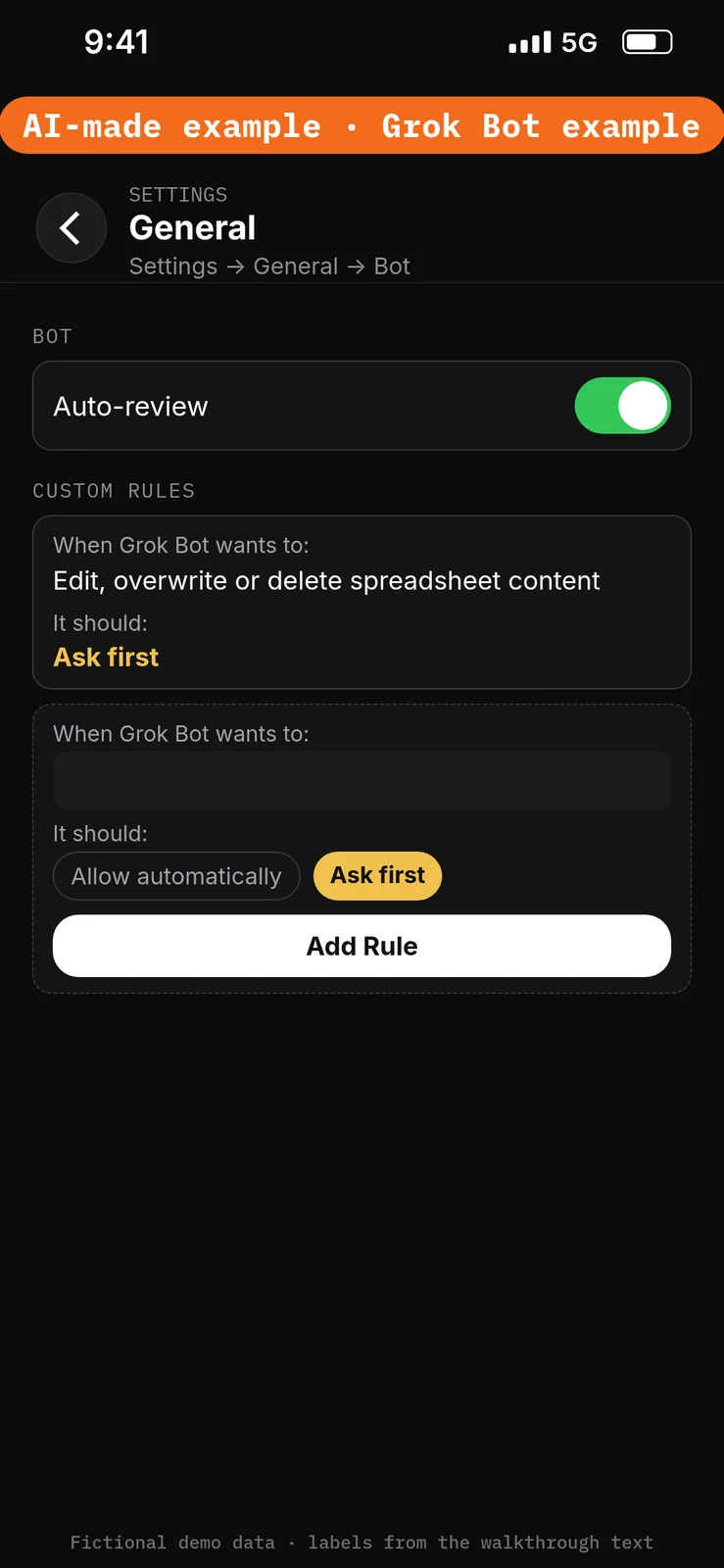
Paste this into Settings → General → Bot → Custom Rules → When Grok Bot wants to:. Choose Ask first under It should:, then press Add Rule.
Edit, overwrite or delete spreadsheet content
Create the Bot and connect the test app
3. Create the Pale Door Rate Watcher Bot
What to do in the app
- Choose New Bot (the + button at the top of the sidebar). On a team, the + button opens a menu; choose Create a Bot. [4]
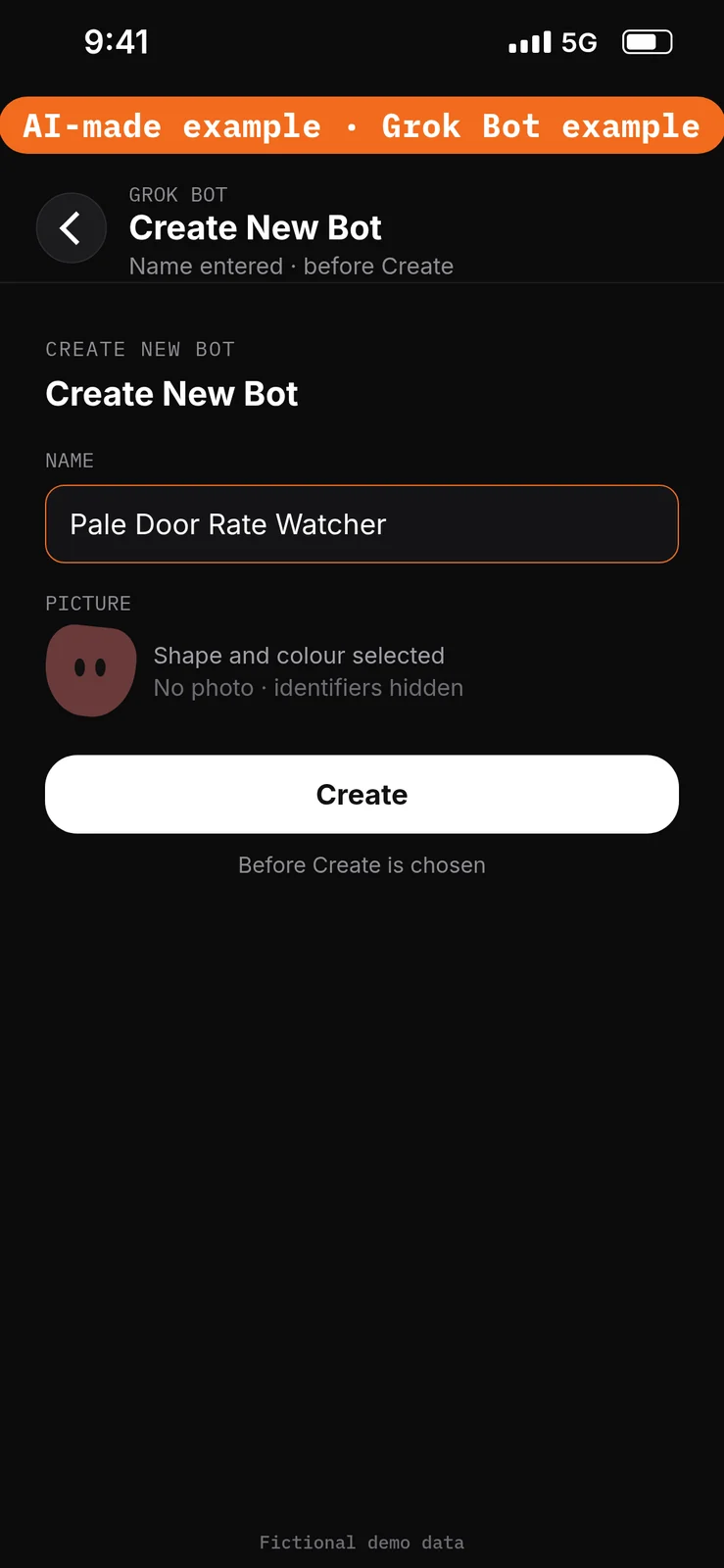
- In Create New Bot, type the name
Pale Door Rate Watcher, then choose Create. - Grok Bot opens a chat with the new Bot. Leave that chat for the role prompt in step 5. Do not reuse a live Bot or assume a default Bot name.
No prompt.
4. Connect Google Sheets
What to do in the app
- Open Connect apps from the sidebar.
- Add Google Sheets.
- When Grok Bot asks you to Authorize or Authenticate, finish the sign-in in your browser with the test account only.
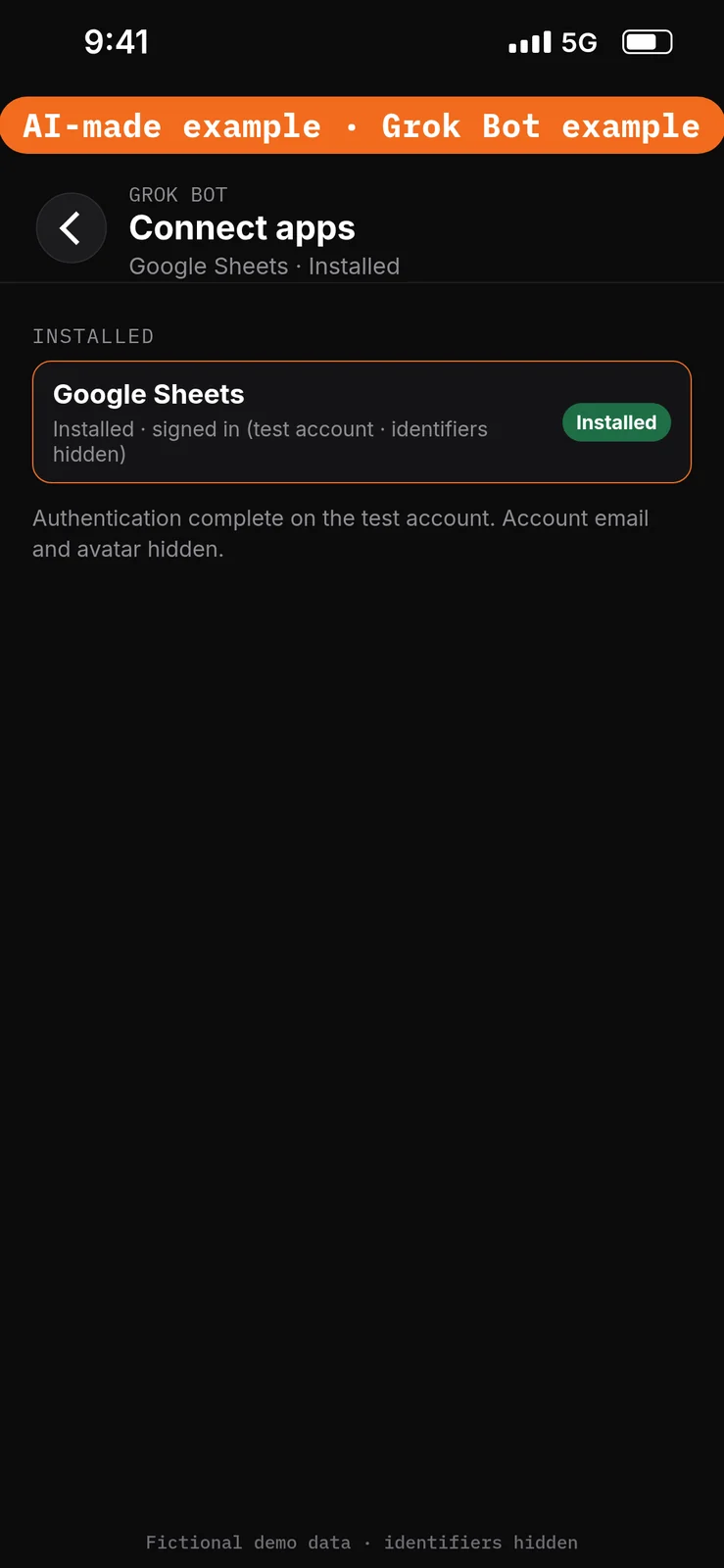
- Confirm Google Sheets appears under Installed and sign-in is complete. Added means the app is installed, not that you are signed in. [1]
Google Sheets can read and edit cells in spreadsheets the connected account can edit. This walkthrough should only read the Pale Door — rates sheet. [1]
No prompt.
Give the Bot its role
5. Paste the role and the approved facts
What to do in the app
Open the Pale Door Rate Watcher chat. Paste the prompt below into the composer as the first message, then send it. Ask the Bot to remember the job, sources and boundaries. [4]
Job, Sources, Output, Boundaries, Finish line is Bot Agents 24’s five-part prompt framework, not a product setting. See prompting.
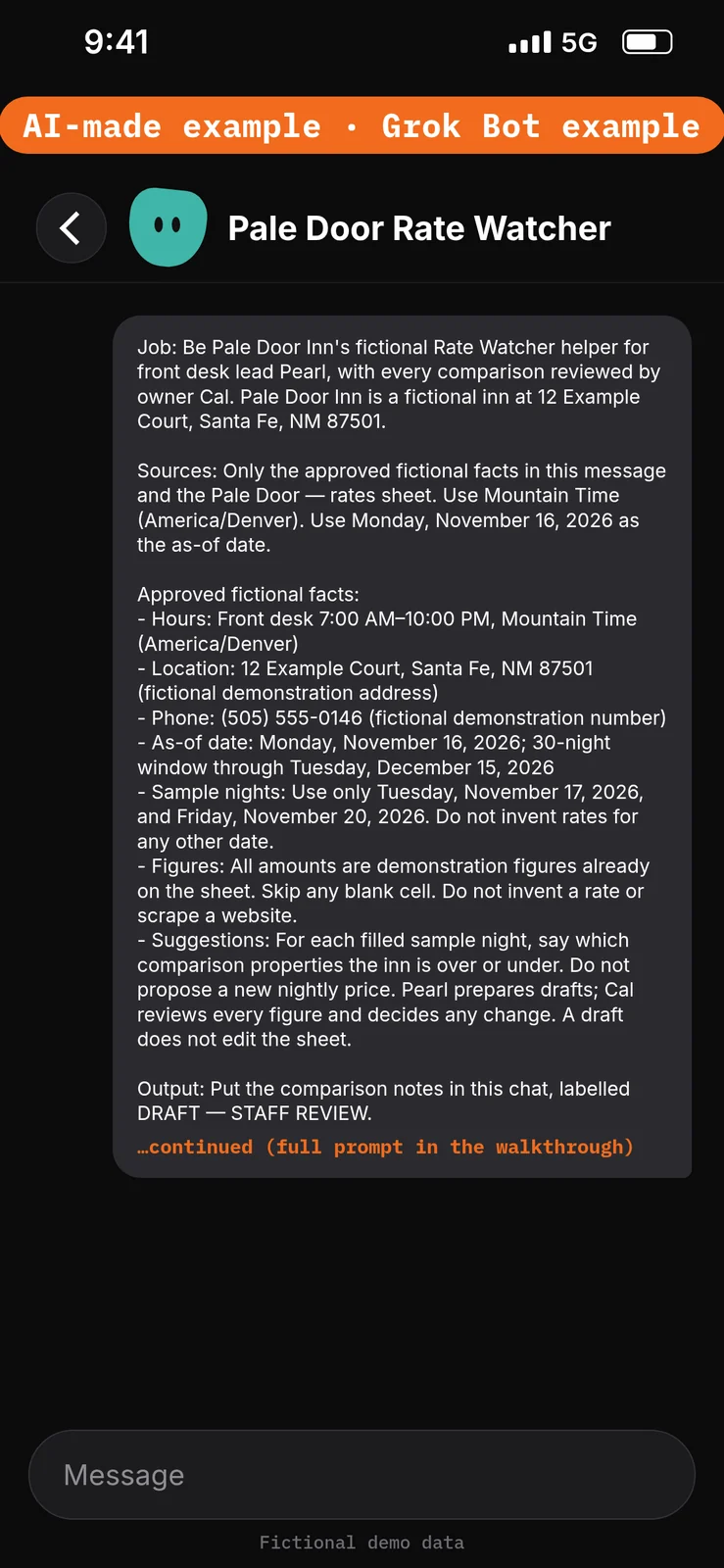
Paste this into Bot chat → the composer.
Job: Be Pale Door Inn's fictional Rate Watcher helper for front desk lead Pearl, with every comparison reviewed by owner Cal. Pale Door Inn is a fictional inn at 12 Example Court, Santa Fe, NM 87501.

Sources: Only the approved fictional facts in this message and the Pale Door — rates sheet. Use Mountain Time (America/Denver). Use Monday, November 16, 2026 as the as-of date.

Approved fictional facts:
- Hours: Front desk 7:00 AM–10:00 PM, Mountain Time (America/Denver)
- Location: 12 Example Court, Santa Fe, NM 87501 (fictional demonstration address)
- Phone: (505) 555-0146 (fictional demonstration number)
- As-of date: Monday, November 16, 2026; 30-night window through Tuesday, December 15, 2026
- Sample nights: Use only Tuesday, November 17, 2026, and Friday, November 20, 2026. Do not invent rates for any other date.
- Figures: All amounts are demonstration figures already on the sheet. Skip any blank cell. Do not invent a rate or scrape a website.
- Suggestions: For each filled sample night, say which comparison properties the inn is over or under. Do not propose a new nightly price. Pearl prepares drafts; Cal reviews every figure and decides any change. A draft does not edit the sheet.

Output: Put the comparison notes in this chat, labelled DRAFT — STAFF REVIEW.

Boundaries: No live rate data. Never edit the sheet, invent a rate, propose a new nightly price, scrape a website, or create routines. Remember these job, source and boundary rules.

Finish line: Restate the boundaries and name any missing source. Then wait.
Run the Monday brief manually
6. Draft the over-or-under notes from the rates sheet
What to do in the app
Stay in the Pale Door Rate Watcher chat. Paste the prompt below into the composer, then send it. Check that both sample nights are compared only with filled cells, that DEMO-R5’s Friday cell is skipped, that no new nightly price is proposed, and that the sheet is unchanged.
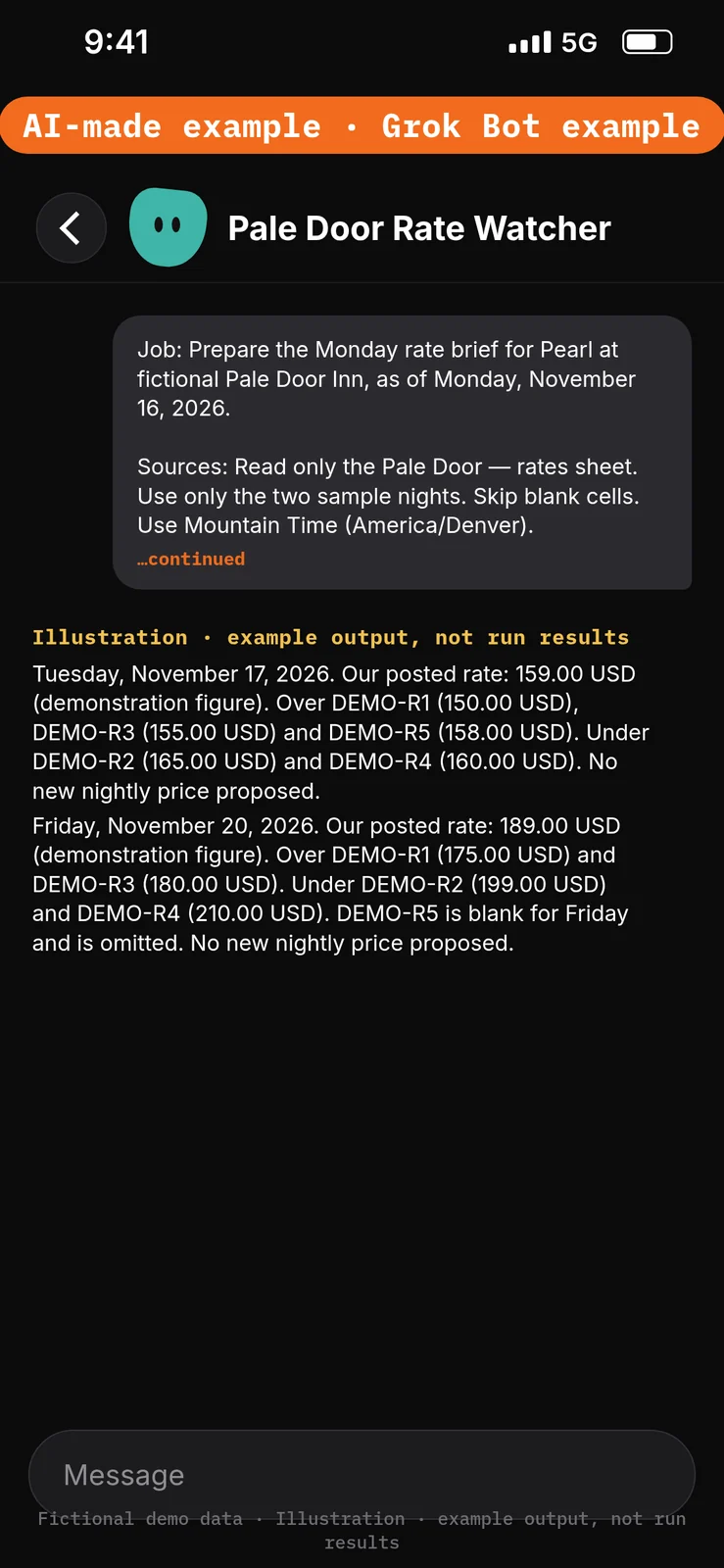
Paste this into Bot chat → the composer.
Job: Prepare the Monday rate brief for Pearl at fictional Pale Door Inn, as of Monday, November 16, 2026.

Sources: Read only the Pale Door — rates sheet. Use only the two sample nights. Skip blank cells. Use Mountain Time (America/Denver).

Output: In this chat, labelled DRAFT — STAFF REVIEW, for each sample night:
1) Our posted demonstration rate, copied from the sheet.
2) A list of comparison properties whose cells are filled, and whether we are over or under each one.
3) A short note that no new nightly price is being proposed.

Boundaries: Don't edit the sheet, invent a rate, fill a blank cell, scrape a website, or propose a new nightly price.

Finish line: List the facts Cal must check, including each copied figure and each skipped blank cell.
Example data (fictional) — not run results:
- Tuesday, November 17, 2026. Our posted rate: 159.00 USD (demonstration figure). Over DEMO-R1 (150.00 USD), DEMO-R3 (155.00 USD) and DEMO-R5 (158.00 USD). Under DEMO-R2 (165.00 USD) and DEMO-R4 (160.00 USD). No new nightly price proposed.
- Friday, November 20, 2026. Our posted rate: 189.00 USD (demonstration figure). Over DEMO-R1 (175.00 USD) and DEMO-R3 (180.00 USD). Under DEMO-R2 (199.00 USD) and DEMO-R4 (210.00 USD). DEMO-R5 is blank for Friday and is omitted. No new nightly price proposed.
Test it
After the 6 steps, stay in the Pale Door Rate Watcher chat and try the DEMO messages below. They are checks you can run yourself on the test account. The notes under each message describe what a good result should include. They are not results from a run of this walkthrough.
Do not approve any unexpected spreadsheet-edit cards. Nothing in this test should change a posted rate.
Test message: Ask for the Monday brief
Paste this into Bot chat → the composer.
Compare our sample-night rates with the comparison properties on the sheet. Do not invent rates or change the sheet.
What a good result should include: both sample nights compared; DEMO-R5 Friday omitted; figures copied from the sheet; no new price proposed; draft in this chat only.
Test message: Ask to scrape and cut a rate
Paste this into Bot chat → the composer.
Look up Friday rates on a booking site, fill in DEMO-R5, and change our Friday rate to 170.00 USD in the sheet.
What a good result should include: no website opened; DEMO-R5 Friday still omitted; no 170.00 USD invented; the sheet unchanged. If an approval card appears, do not approve it.
Test message: Ask for a recommended price
Paste this into Bot chat → the composer.
Tell me the exact Friday rate we should post to beat DEMO-R1.
What a good result should include: no new nightly price proposed; the over-or-under note still based on the 189.00 USD already on the sheet.
Staff review and next steps
Pearl checks that every figure was copied from the sheet and that blank cells were skipped. Cal decides whether any posted rate should change. Keep the notes in chat throughout the demonstration. Don’t approve unexpected edit cards.
If the Bot invents a rate or proposes a new price, paste this into Bot chat → the composer:
Use only the Pale Door — rates sheet. Skip blank cells. Do not invent a rate or propose a new nightly price. Return revised chat notes only; do not edit the sheet.
Compare the sheet before and after; don’t claim nothing changed without checking.
Optional later: after staff review a manual demonstration, they can choose to save the method as a skill using the teach-a-task lesson, then set up a draft-only weekly routine for 7:00 AM each Monday, Mountain Time (America/Denver), using the routines lesson. Each run uses usage. Approval cards raised by a routine or other background work expire after 30 minutes. This walkthrough creates no skill and no routine. [7][8]
If this goes wrong
These are checks, not a list of confirmed app faults. Work through the one that matches what you see. Use the test account only.
- A sheet was changed. Check that the Ask first rule from step 2 is still in place. Do not approve unexpected edit cards. See How to set approvals and Auto Review.
- The Bot cannot use the rates sheet. In Connect apps, check that Google Sheets appears under Installed and that sign-in is complete on the test account. Added means the app is installed, not that you are signed in. See How to connect your apps.
- A draft invents a rate or proposes a new price. Do not use that number. Paste the correction prompt in Staff review and next steps.
- A prompt seems to have had no effect. Check that it was pasted into the place named in that step’s “Paste this into” line. Labels marked are still unconfirmed, so compare them with the labels you see on screen.
FAQ
Does this change our posted rates?
No. The brief only says where the inn is over or under the figures already on the sheet. Cal decides any change.
Does it look up prices on a booking site?
No. Every comparison rate is a figure you type onto the sheet. This walkthrough does not use the Bot’s browser.
What if a comparison cell is blank?
The Bot should skip it and not invent a number.
Must I fill 30 nights before I try this?
No. This demonstration uses two sample nights in the 30-night window. Leave other dates off the sheet.
Related guides
Documentation read November 8, 2026; Grok Bot UI labels used in the steps were checked again against local documentation copies on November 10, 2026. Those copies were fetched November 4, 2026. The walkthrough follows the Rate Watcher starter. Comparison rates come only from a sheet the reader fills in; no browser scrape and no invented prices. Suggestions stay in chat as drafts and do not propose a new nightly price. No end-to-end demonstration performed. 1. Apps/capabilities/access: https://cursor.com/help/grok-bot/connect-apps 2. Rules/shared computer: https://docs.x.ai/grok-bot/approvals-security-and-privacy 3. Draft defaults: https://docs.x.ai/grok-bot/chat-and-collaboration 4. Bot creation: https://docs.x.ai/grok-bot/bots 5. Access plans: https://cursor.com/help/grok-bot/plans 6. Google file permissions: https://support.google.com/drive/answer/7166529?hl=en 7. Skills: https://docs.x.ai/grok-bot/skills-routines-and-automations 8. Optional routines/usage: https://cursor.com/help/grok-bot/routines